I like to create a group with parents-in-law and married-into-partner

Hello here is Ingo from Cologne Germany, nice to meet you all here …

I hope to express myself well and use the correct terms. I like to reduce the RM10 database persons and using the colour codes as well.

I deleted all the parents-in-law of my ancestors’ descendants. To do this, I created two groups: one for the ancestors themselves (a) and another for the ancestors and their children (my ancestors’ siblings) (b).

In a further group, I defined (b) - (a), which included all the people who are descendants of my ancestors, but not the ancestors themselves. These are siblings, second spouses, parents-in-law, etc.

Now I want to be able to mark the spouses of the siblings. I’m using color codes to avoid importing their parents back from FamilySearch. How can I create a group for the brothers- and sisters-in-law of my ancestors?

Best regards

Ingo

I have done this using color coding outside of RM UI.

It basically runs off the Person Table values set by Relationships.
(there are two parts - one does any anything that would have a relations desc in RM) Part two does inlaw relationships.

I have over 20 unique colors that does direct or by marriage then “extended” for inlaws etc.
Orange is Uncle / Green is by Marriage
Brown inlaw sibling and weird green in parent inlaw

another example
Yellow is cousins and the other green is spouse of
The Azure (light blue) is for people in tree but not inlaw essentially

here is one example on summary – note the nulls are from when people have been added to db but the script has not been re-run yet

another DB

Very intresting. What do you use to create this outside? I like to know how and I like to use groups in RM, because I can use the groups in different ways at different sides.

Here I want to create the rule:

Maybe there is creative way to do within RM (or get it close ).
I do using sqlite – Let me do some testing and I will private message you.
The only thing the script is messing with is updating Color set1 & 2. on the person Table of the database. You do have first run “set relationships” in RM then close RM then run the sqlite script(s).

The other benefit of the script is- cousin marrying or such stand out.
this is where 3 siblings married into 3 siblings

this is where a couple is cousins #994 & 644 (not necessarily to each other ) but to the “set person

RootsMagic uses SQLite as its database engine. It is therefore possible to use programming skills to write SQL scripts to supplement the tools that are available from within RM itself. The RM folks do not support this kind of activity and they recommend against it.

The kinds of color coding that kevync1985 is accomplishing is being aided by such SQLite scripts. Some of such color coding could be accomplished without using SQLite scripts but not all of it. For example, you could color code all your relatives as red and all their spouses as green without using SQLite scripts. But if you get into relationships such as parents of the spouses or brothers and sisters of the spouses or other spouses of the spouses, then you get into things that RM itself cannot handle without the use of SQLite scripts.

I realize that color coding is not the driving force behind your question. It’s just that if you could get all the brother-and-sisters -in-law color coded as purple (or some color of your choice) that you could then delete all the purple people very easily.

Depending on what you are trying to accomplish, it might be possible in your case to color code all the people you want to keep using using tools that exist in RM. And then maybe you could delete everybody else. That wouldn’t work for me because I have some people in my database that I’m keeping even though I’m not related to them at all. As a result, I do have a very large SQLite script for color coding. I don’t hide the fact that I use it. But if ever it trashed my RM database, I would be on my own to clean up the mess. The RM folks wouldn’t help me, nor should they.

The missing functionality within RM itself is that it’s not possible to search such things as “parent of” or “spouse of” or “child of” or “sibling of”. So you can’t search for “spouse of a green person who doesn’t yet have a color”. You can search for “doesn’t yet have a color” but you can’t search for “spouse of a green person”.

The larger question raised by your message is how to set boundaries in your database. For example, suppose you start with yourself and enter all your spouses and all your parents and all your children. Now suppose you repeat for all the people now in your database. And suppose you repeat again for all the people in your database. If you keep repeating in this manner, you will soon find yourself entering every person in the world into your database.

This way lies madness. One of the biggest culprits for me is entering obituaries where I would enter everybody mentioned in an obituary into my database. I think that where and how to set such boundaries to keep your genealogy database from exploding into everybody in the whole world is a very individual decision. I use my color coding to help me to manage the boundaries.

Many, many thanks thejerrybryan

That helps a lot. I am confirm with PL SQL and databases - Im working with Oracle databases. So I have the information to go deeper in the programming.

Yes, you read between the lines. I will use it to reduce die count of people and to help syncronise with FS. I also use ancestry and myheritage - I’m trying to easily compare the data there with my own in RM and then extract the new information.

I’ve found databases with 20,000 people, which I don’t want, so I’m considering where to set the limits of my database. I’ve simply set it at the siblings of my ancestors and their descendants. This way, I include spouses, but not the parents or siblings of the spouses. The color coding allows me to quickly and easily narrow down the data I synchronize and then edit. Even so, I’m still at about 1,500 people, which I think is a good limit.

In any case, I’m really enjoying working with RM and I’m happy to have found such a good exchange with like-minded people here.

1 Like

yes many way to color code (With or Without SQLITE) Azure color is sort of a point to likely stop for me.

or even most realtionship types “such as Cousin or Uncle etc” – this info is already in the program but is not searchable. Neither is the GenUp/ GenDown, or Degrees – all would be helpful. (The values are right there in the table)

so I went with doing it all in SQLITE to be consistent since a significant portion could not be done without - also I set a priority order that made sense to me.

The data from Set Relationships is obviously in the RM database. You can see the data for one person at a time when you highlight the person. But you cannot search the relationship data from RM, so that you cannot do color coding by relationship data from within RM.

I’m on Version 2.0 of my color coding script. The version 1.0 of my color coding script was based on RM’s relationship data. But RM11 added new feature where the Set Relationship data would include “spouse of” relationships, such as “spouse of second cousin three times removed”. That sounds great in theory. However, the new feature was implemented in such a way that someone who actually is a relative might be displayed as “spouse of” a relative if that person had both roles. To me, this is either a bad design or an implementation bug.

As a result, I rewrote my color coding script so that it does not rely on RM’s own relationship data. All I have to do is to give my script the person (or persons, if I want to color code my wife’s relatives) who is the base person and the script takes it from there.

I do keep tweaking my color coding. For example, I started out with myself and all my relatives as red. I have tweaked it that so that all my relatives are red except that myself and my direct ancestors and descendants are mauve. The distinction between “relative” and “direct ancestor or descendant” can seem a little picky, but it helps me when I’m coming down from a very distant ancestor towards the present to remember which sibling is my ancestor. And frequently, more than one of the siblings is my ancestor due to cousin marriages downstream from the more distant past.

My boundaries include all descendants of all ancestors, plus all spouses and parents of spouses. For example, if my third cousin twice removed was Joe Smith, I want to be able to say that Joe married Mary Jones, daughter of Sam Jones and Sarah Anderson - that sort of thing, My boundaries also include spouses of spouses. For example, if my mythical Mary Smith was married another time I would like to be able to show her other husband in her timeline.

If you are on your game, you would surely say that another husband of Mary Jones would not show up any any narrative reports for any of my family members anyway, and by default you would be correct. However, I actually share each Marriage fact with each spouse. That surely sounds completely crazy, but here’s how it works. A Marriage fact is a couple fact rather than an individual fact. As such, a Marriage fact does not show up in the timeline for either spouse in narrative reports.Rather, there is a different timeline for the couple as a whole where the couple facts show up in narrative reports. So by sharing the Marriage fact, it creates an individual role for each spouse that shows up in each spouse’s individual timeline. So the marriage of my mythical Mary Jones to her other husband does show up in Mary’s individual timeline in narrative reports, even though she is just a spouse of a relative rather than being a relative herself.

Discussions of SQLite scripts should take place at https://sqlitetoolsforrootsmagic.com/ This is a user site, not supported or endorsed by the RM folks.

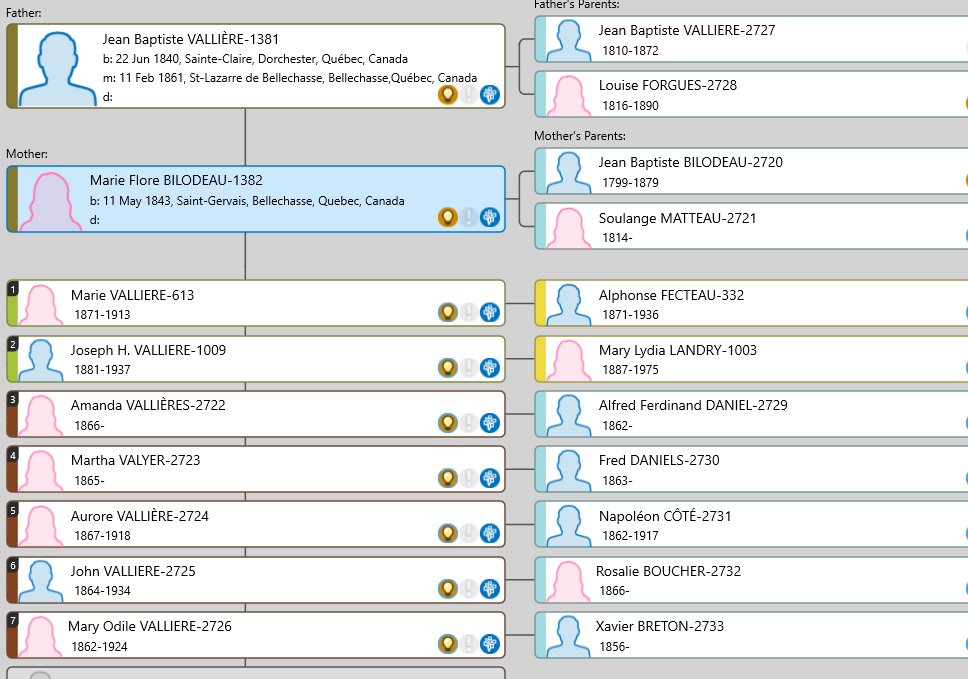
thats a very cleaver idea

Kevin

I created new groups in RM10 and populated them with the people in SQLite Browser. The only group I needed was the Ancestors group. I found all the other relationships in the FamilyTable, ChildTable, and PersonTable.

This is how I discovered the following:

The Ancestors and Descendants (1st Generation) group I created in RM contains not only the siblings and half-siblings of the ancestors, but also the second spouses of the ancestors and the spouses of the (half-)siblings.

So I created four new groups: Siblings of Ancestors, Half-Siblings of Ancestors, Spouses of Siblings, and Second Spouses of Ancestors.

I will now manually check all the people (there are 244) out of 241 ancestors and 1,565 people in the RM10 database.

My goal is to prevent the database from growing further and to be able to see directly, using the color code table, what my relationship is to each person. I can, for example, exclude in-laws. On the other hand, I can continue to track the interesting offspring. This makes everything more sense, and I had a lovely and fulfilling day while the first snow fell here in the Rhineland.

Thanks again for the helpful tip and do not hesitate to ask

Ingo

1 Like