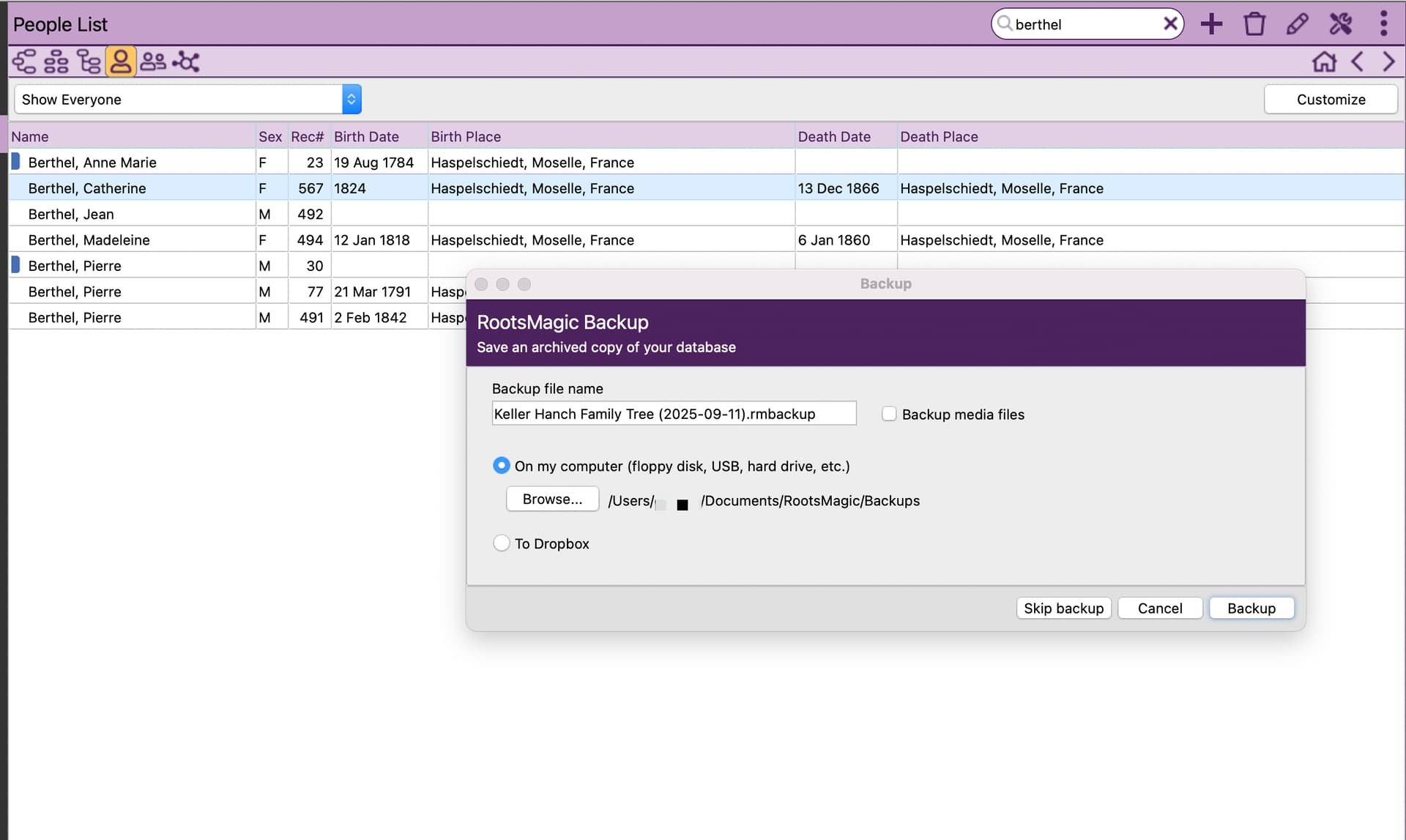
Here’s a new one for me. Entering in a citation this morning, and the research note window shrunk and wouldn’t let me re-size it. I decided to back up and restart, only I can’t click on anything, I will have to force quit. Nope, Time Machine is not running.
Any ideas? I’m really loving the features of RM, but dang… I’ve never had any Mac software be so glitchy.
Not sure if Mac has anything to do with it.
By chance if you have a window open (waiting for input or response) that could cause that behavior (at least on windows pc) - however I have not see it happen on backup. Did you manually open backup process or did close RM and it auto open backup prompt?
I right clicked on the RM icon and selected show all windows, I didn’t have one hiding. I manually prompted the backup.
I’ve had issues on Windows where an active RM pop up window became invisible leading to no response in RM at all. Did not show in the icon or task manager. In my case a simple re-boot of my PC resolved the problem but I suspect you have already done that.
2 Likes
Yes, and I always run database tools when I open after a crash. I just find it disconcerting that these happen more than once in a blue moon.
For me the problem usually happens because of the Win 2 screen setup. RM opens on my right screen (which is the secondary) while I use the left screen for Ancestry or whatever. The pop ups always open on the left screen for some reason (although RM is on the right!) and if they get covered it is impossible to find them again leading to RM ‘hanging’. The joys of bespoke software but I wouldn’t be without it.
1 Like
I use 3 screens, but have been for years, and know to move my windows around to check when that happens. Hope it doesn’t happen again.
But agreed… the more I use this software, the more I realize what I didn’t know I was missing.
“Invisible” (Hidden) windows Happen – I thought windows was more prone to them than MAC - -but I do not have much mac experience. For windows PC I assumed it was often due to multiple monitors and which was “primary” (maybe related to display drivers also) - I have see this happen with other applications at work so its not something specific to RM .
1 Like