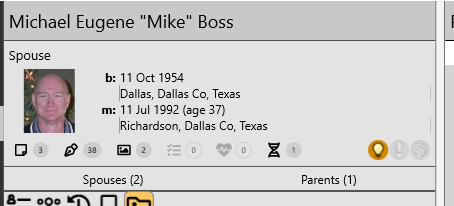
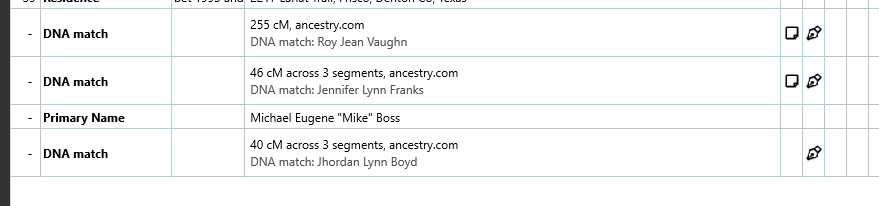
However, if I go into edit mode, I see 3 DNA match facts. It is only the first of them that is displayed and counted in the DNA icon. Shouldn’t the count be 3 and I see all 3 of them?
DNA icon (1) is for the DNA Matches entered on the DNA view in the left menu on the Edit Person screen. It is separate from the DNA Associations that appear on the Info view with other facts.
When you convert a RM9 database with DNA Association facts in RM10 or RM11 it will create DNA Matches between the two people on the Edit Person’s DNA view. The DNA Associations will still be there.